Upload any video. AI adds captions in seconds. Edit, style, and share on YouTube, TikTok, Instagram, and more.

Creating content that
reaches the world 🌍
How It Works
Upload your video, let AI generate captions, edit in the browser, and export ready for YouTube, TikTok, Instagram, and more.
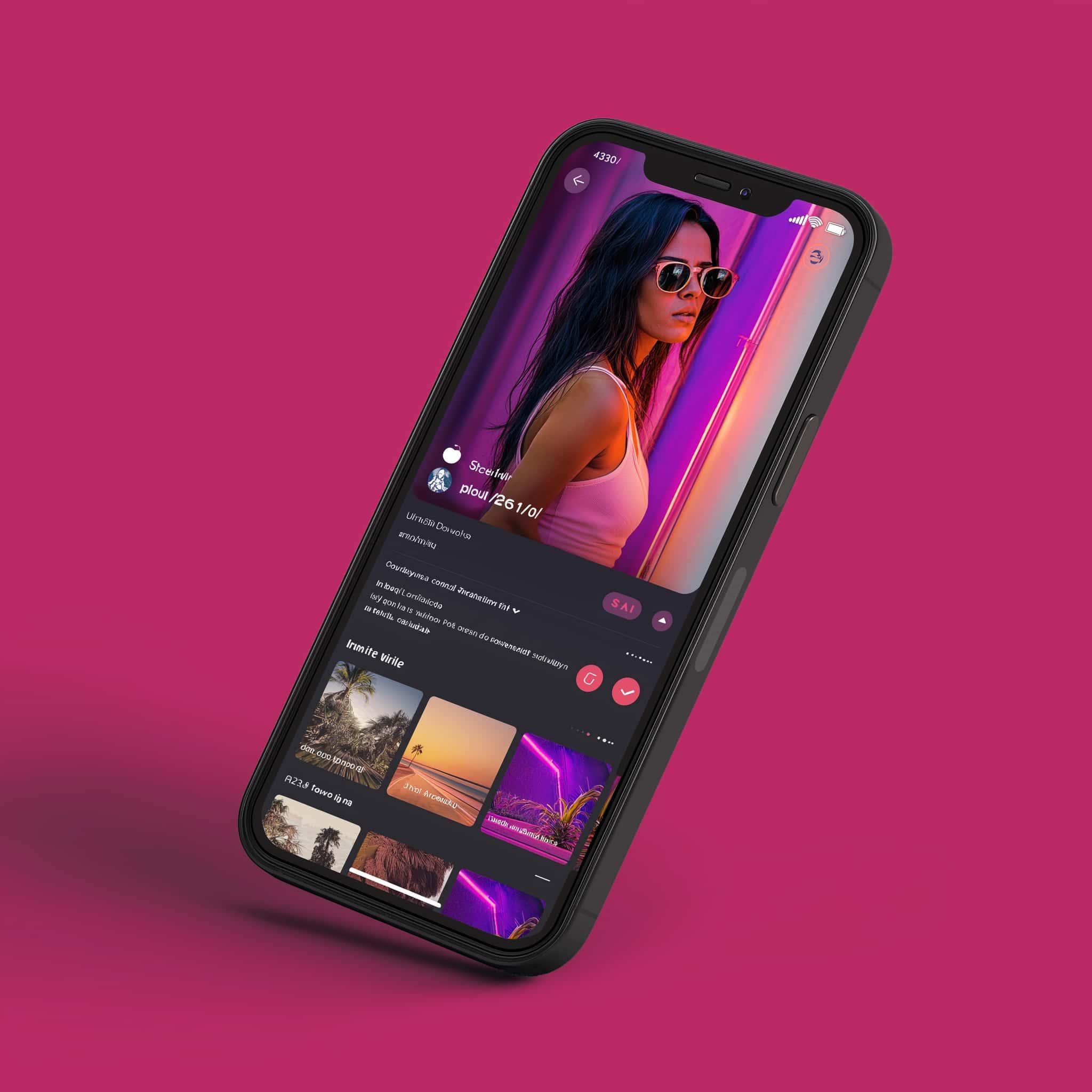
Choose from 15+ fonts, set custom colors, backgrounds, and positions. Save your signature look as a Style Profile and apply it to every video instantly.
How It Works
No video editing experience required. From upload to export in minutes.

Drop in any video file — MP4, MOV, AVI, WebM. Up to 2GB, processed securely and ready in seconds.

Word-level AI transcription fires automatically. Edit any caption, adjust timing, change styling — all in live preview.
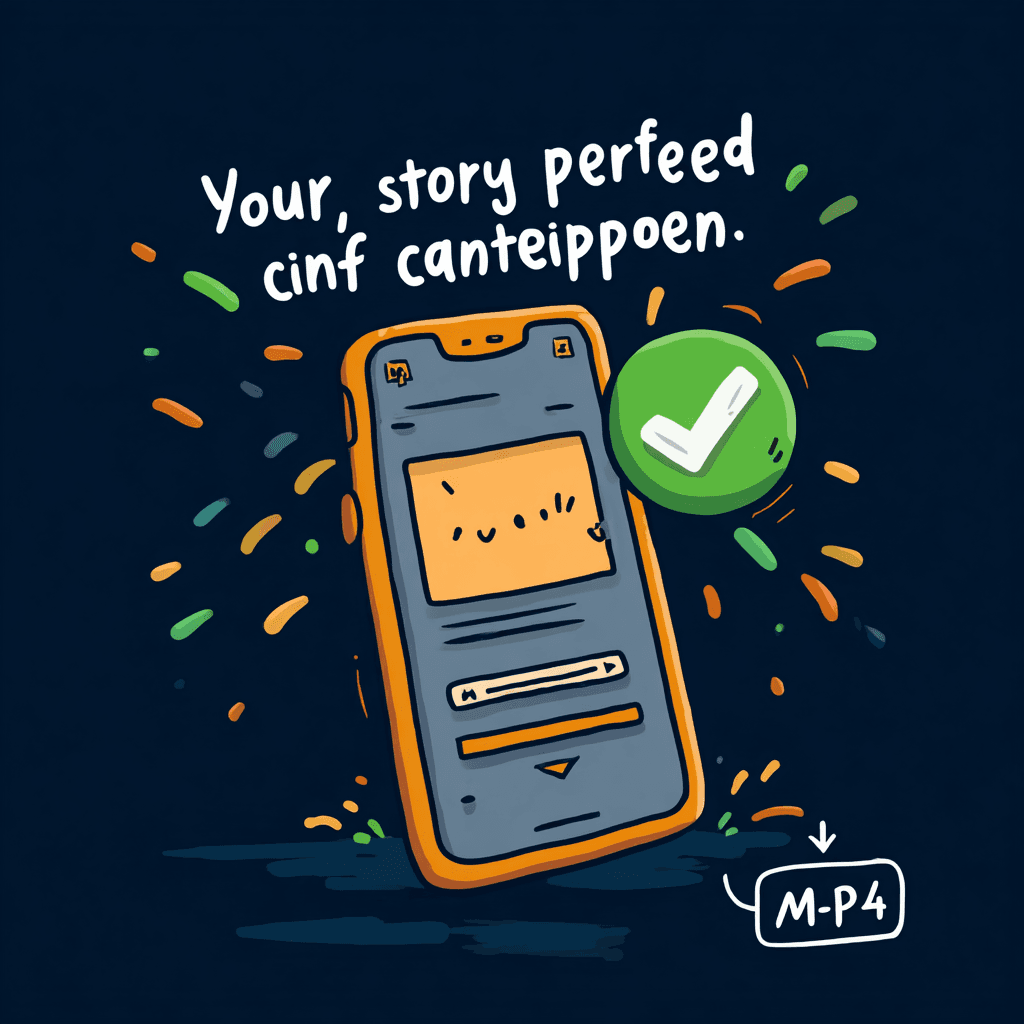
Export exactly what you see in the editor. Full resolution, no watermarks, pixel-perfect WYSIWYG fidelity.
Trusted by Creators

Creators on YouTube · TikTok · Instagram · Podcasts
“Finally a subtitle tool that actually supports Arabic correctly. The RTL rendering is perfect — no more hacks.”

Ahmad K.
YouTube Creator, MENA
“I've tried every subtitle tool out there. CutSnap is the only one where the export actually matches what I see. That matters.”

Sarah M.
Content Creator
“Switched from Submagic. Faster export, better font control, and I keep 100% of my revenue instead of paying $30/mo.”

James T.
TikTok & Instagram Creator
Pricing
No hidden fees. Upgrade when you need more. Cancel anytime.
Try CutSnap risk-free. No credit card required.
billed annually
Perfect for individual creators and small channels.
billed annually
For power users who need more speed and flexibility.
billed annually
For teams and agencies with high-volume needs.
FAQ
CutSnap uses state-of-the-art AI transcription, achieving 95%+ accuracy on clear audio in English and 90%+ in 50+ other languages. Accuracy varies by audio quality, accent, and background noise. You can always edit any caption directly in the editor.
Yes — CutSnap uses the same rendering engine (Remotion) for both the editor preview and the final export. What you see is exactly what you get. Font, size, position, color, and timing are all pixel-perfect.
Yes. CutSnap is one of the few subtitle tools with native RTL support. Arabic, Hebrew, Urdu, and Persian text renders correctly — right-aligned, proper letter joining, and correct reading direction. No workarounds needed.
CutSnap accepts MP4, MOV, AVI, WebM, and MKV formats. The exported video is always in MP4 format for maximum compatibility across social platforms.
Absolutely. You can change the font (15+ options), font size, color, background color, position (top/middle/bottom), and more. Save your preferences as a Style Profile to reuse across videos.
Yes. The free plan lets you store up to 4 videos (up to 2 minutes each, max 1.2 GB) with a CutSnap watermark on exports. Creator supports up to 20 videos at 2 min, Pro supports 50 videos at 5 min, and Studio supports 100 videos at 40 min.
Still have questions? [email protected]

Join thousands of creators who use CutSnap to add professional subtitles that actually match their content style.
No credit card required · Free plan available · Cancel anytime
